
Sharing your fundraising URL on Instagram
Instagram is a great place to share your 100K Your Way journey, but getting your fundraising URL on there is not as straightforward as other social media platforms.
Standard Instagram posts won’t let you add in a link and your account bio used to be the only place you could share anything. This has been fixed in Instagram Stories, which allow you to add a link ‘Sticker’ to a Story.
If you’re new to Instagram Stories or adding in links, we’ve broken this down into simple steps and even created some fun sharable images to help you ask for donations.
How to add your fundraising link using Instagram stories
Step 1
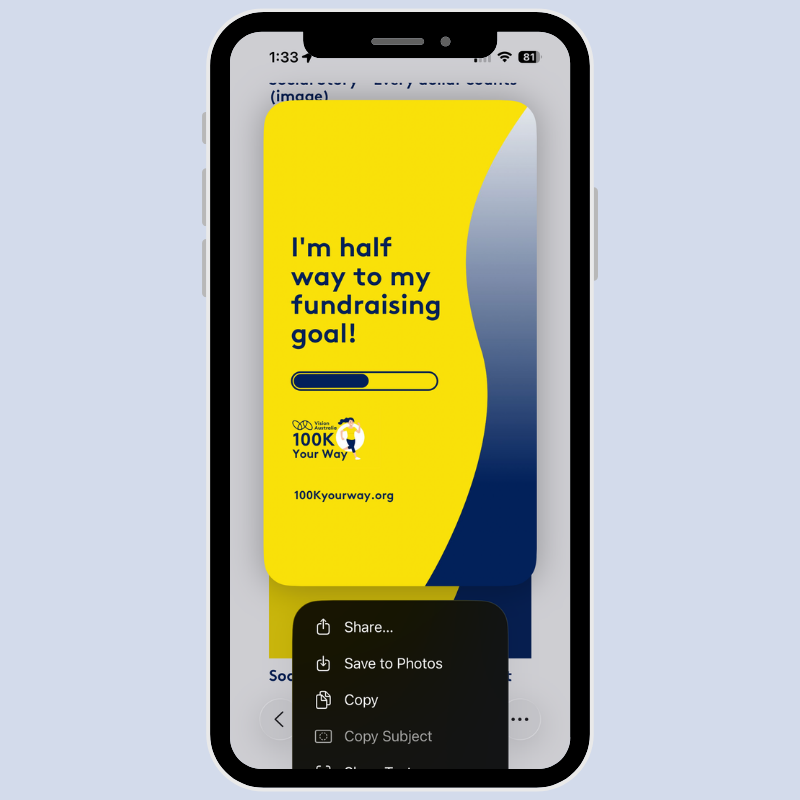
Select the image you want to share. This could be a photo of you, the person you are dedicating your 100K Your Way challenge to, or pick a favourite to download from the resources page. If you’re using a smartphone or tablet, press and hold the image and select ‘Save to Photos’ to add to your camera roll.
Step 2
Before you open Instagram, login to your 100K Your Way dashboard and copy your personal fundraising URL to your clipboard. You will need this to paste to your image shortly, so it’s a good idea to have this step done on your device first.
Step 3
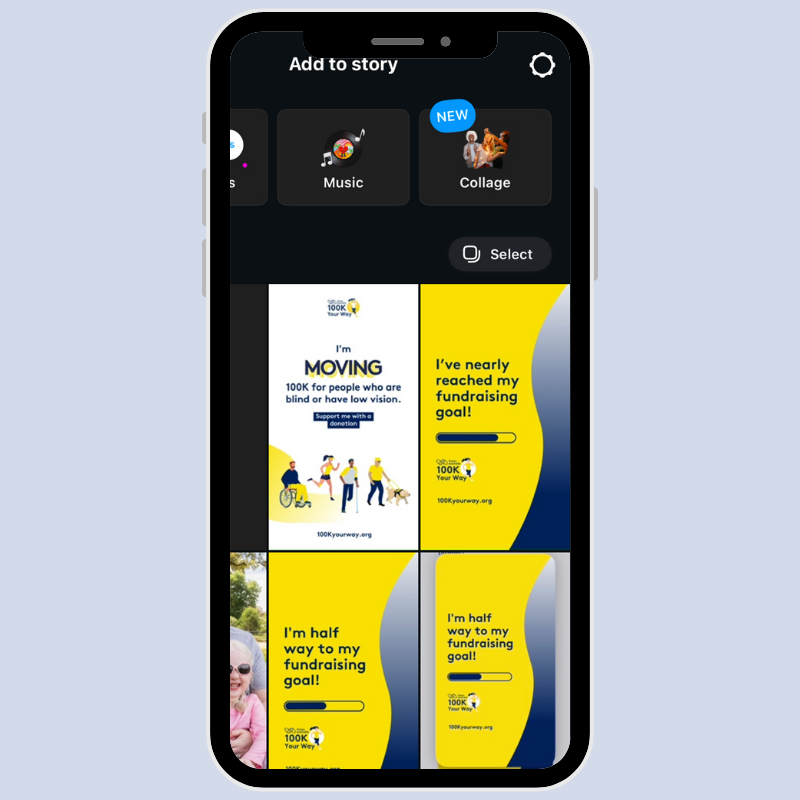
Open the Instagram app and create a new Story by either swiping left on your screen or tapping your profile photo with the + icon. You will be able to select the image you want to use or snap a selfie.
Step 4
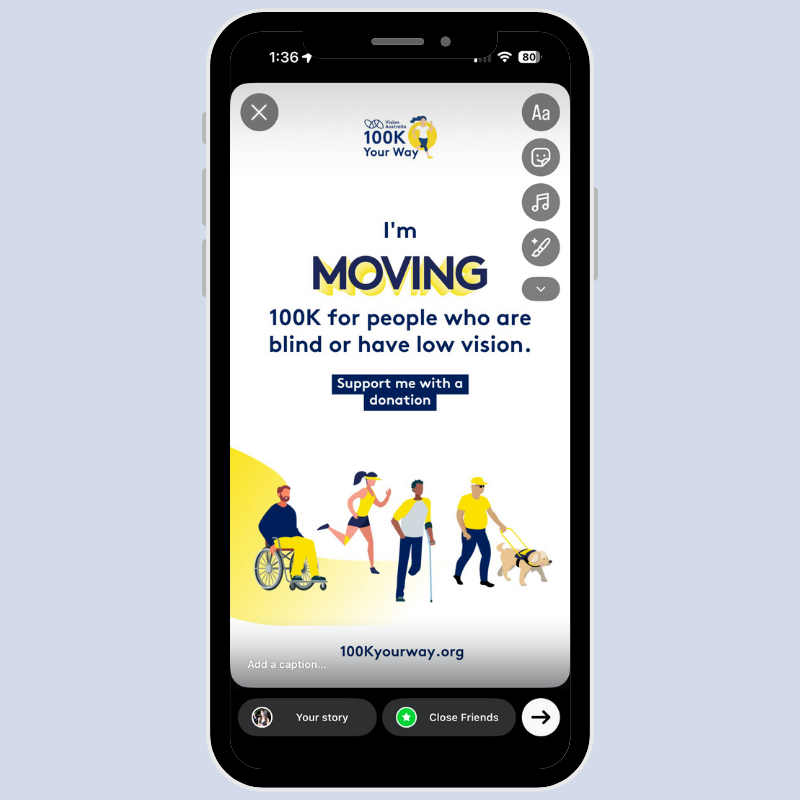
When you’ve chosen an image, select the ‘Sticker’ icon. This is the second icon on the right which looks like a square smiley face with the corner peeled up.
Step 5
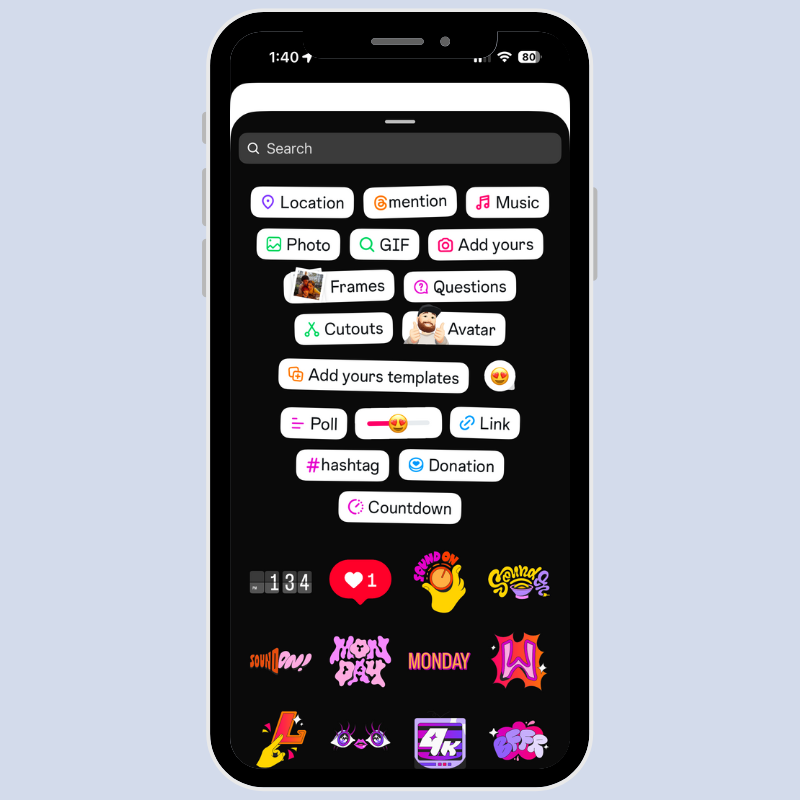
This will open a large selection of sticker options. Select the ‘Link’ option from the sticker choices, with the paperclip icon.
Step 6
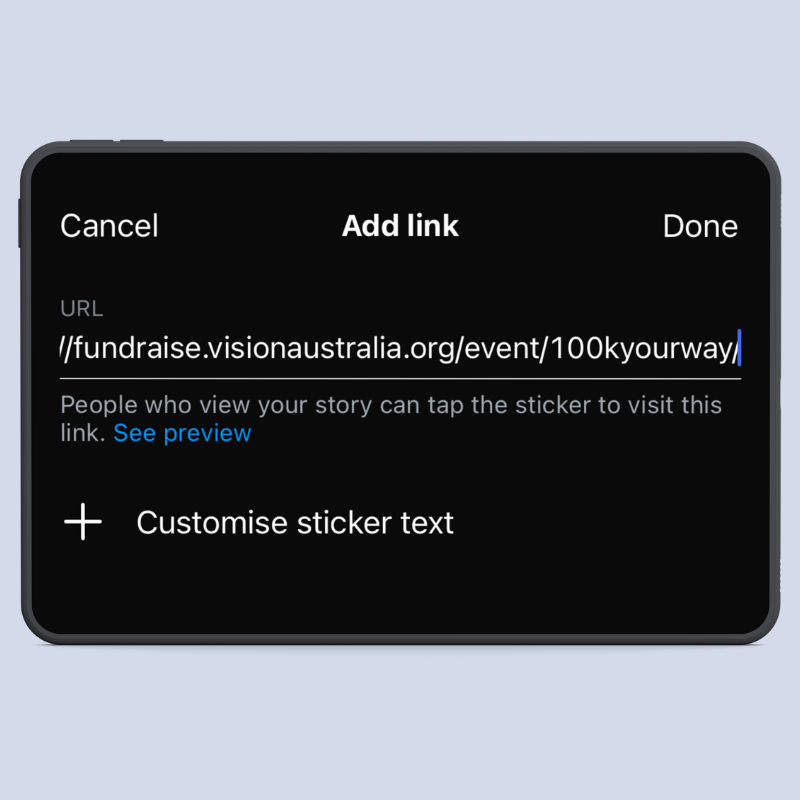
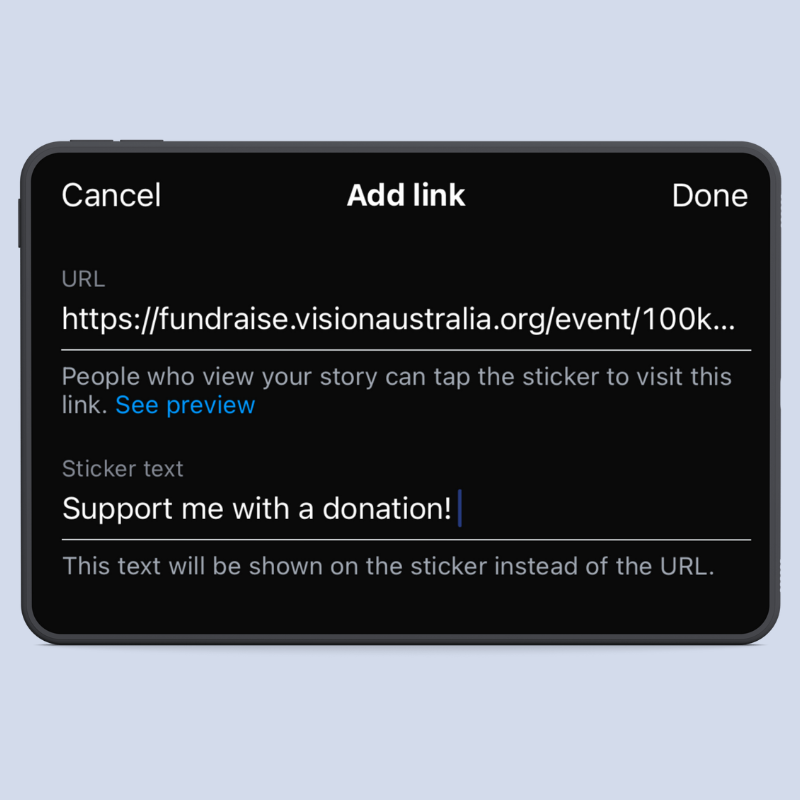
Got that personalised fundraising URL handy? Tap the URL field and select ‘Paste’ to create a sticker with your link. If you wish, you can even add your own button text by selecting ‘Customise sticker text’, but this is optional. Tap ‘Done’ and your Story is ready for sharing!
Step 7
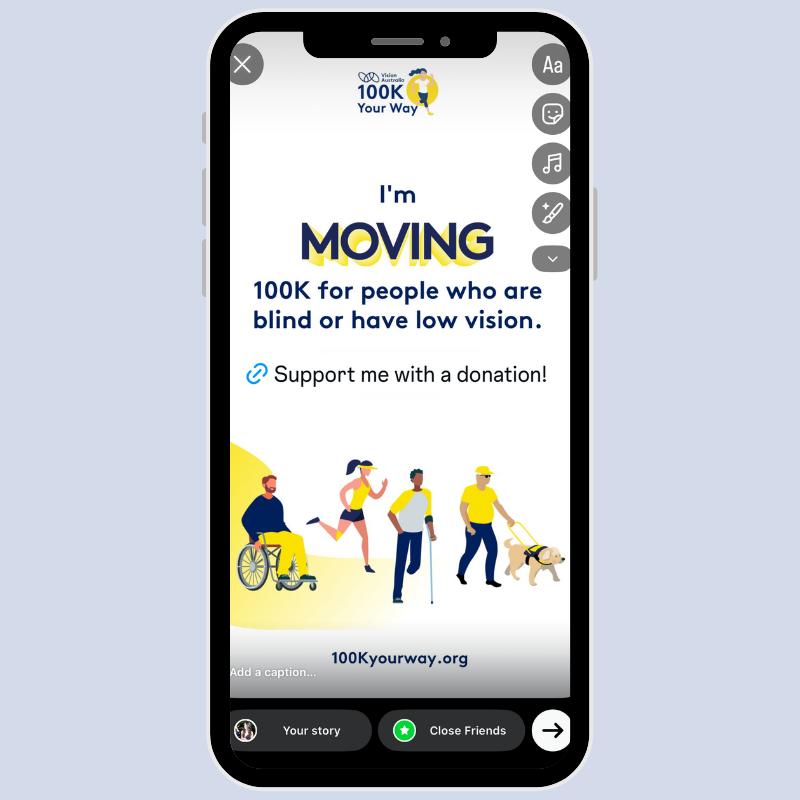
You will be able to preview the image and sticker before tapping the arrow in the bottom-right corner to share. You can also add in hashtags or even change the colour of the stickers to match your mood by tapping on the sticker or adding more before sharing.
Find the 100K Your Way community on Instagram
Don’t forget to tag us @visionaustralia and #100KYourWay to share your moves with the 100K Your Way community! You can find us on Instagram at instagram.com/visionaustralia/


